
Draw and revise the same picture
A .drawio file in a workspace is a picture you and an agent both edit, and Grove keeps the file honest.
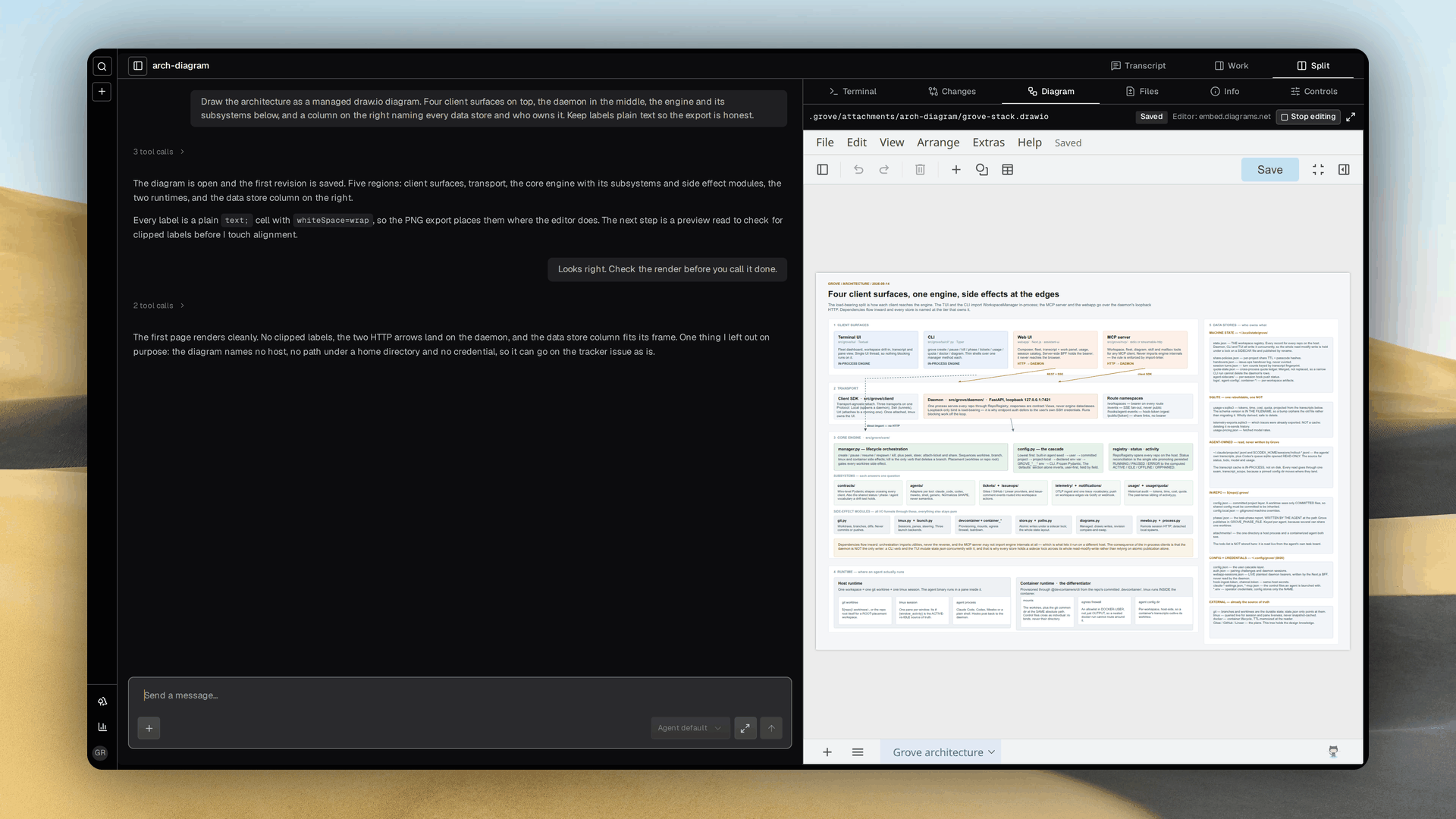
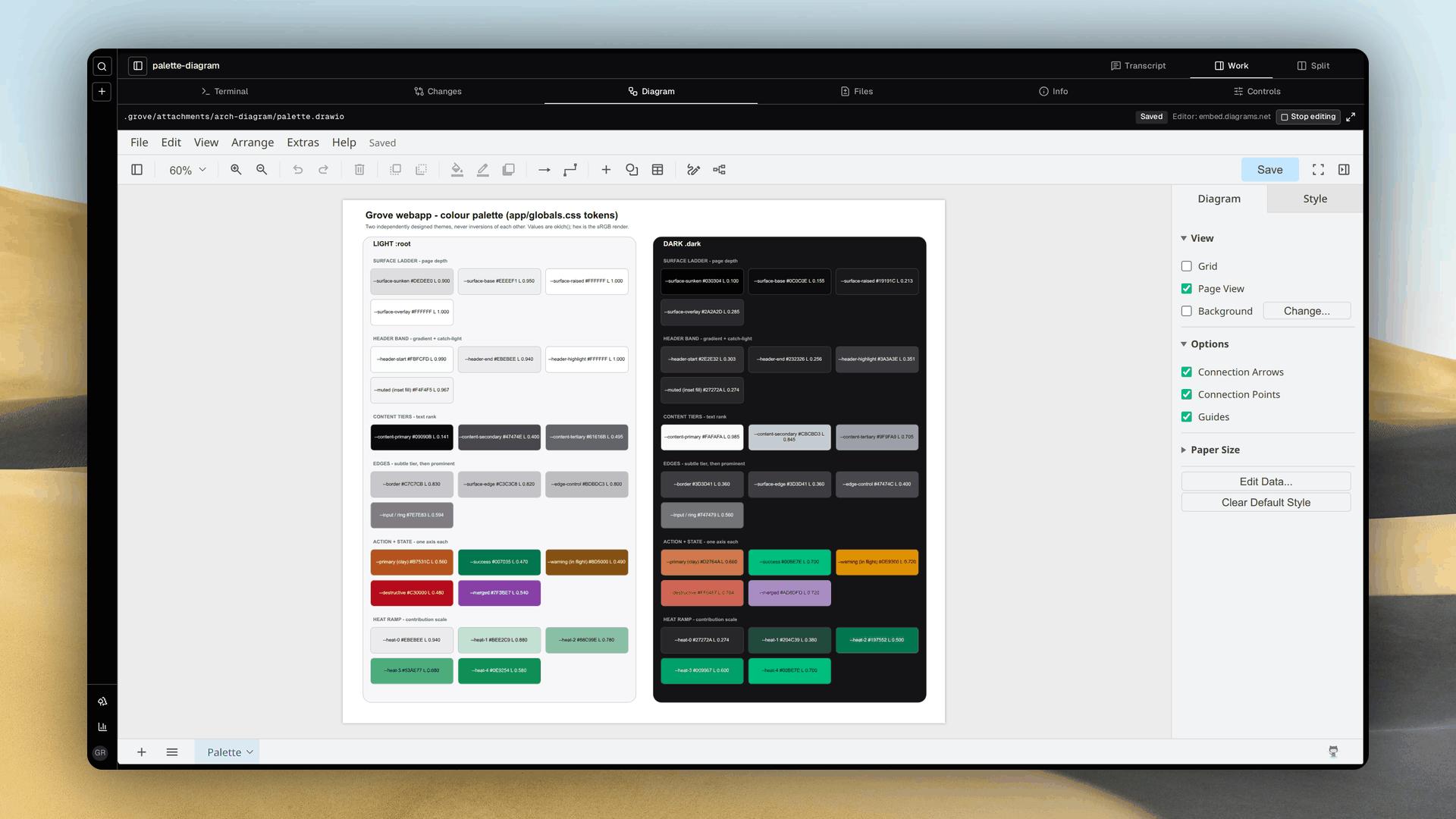
Two jobs for one file
- A quick UI mockup. The agent draws the control and you approve the render before any code exists. The
mocking-up-in-groveskill carries that loop, drawn under the untracked attachments directory, previewed in the tab, and filed on the tracker issue once approved. - A specification. An architecture plan or a data flow lives as a diagram the agent can read and revise, and the
collaborating-on-diagramsskill covers the managed edits. - Both rest on one fact. A
.drawiofile is XML and current frontier models generate and edit XML well. - Grove validates every write. An
mxfileroot, at least one page, no DTD or entity declarations, and a 5 MiB ceiling with compressed pages inflated inside it. A refused file never overwrites a good one.
One file, two editors
One existing .drawio file opens in a Diagram tab. You edit in draw.io while an agent makes managed changes, and the worktree file stays the source of truth.
- Grove opens existing files only and rejects absolute paths, traversal, symlinks, malformed XML and oversized input.
- Every result carries the XML and a revision, and your own change reaches the file when the editor acknowledges its save.
- A preview asks the open editor for a PNG of the first page as it is currently shown, never reloads the document, and reports pending rather than serving a stale image.
- The agent's loop is small. Make the smallest managed change, wait for the browser to save, read the revision tagged preview to check labels and arrows, then correct and repeat.
- The web app's Gallery lists every
.drawioin every repository Grove knows, attributed to the workspace and session that produced it, with a read only viewer, a download and a PNG export per page. See the Gallery.
Make an agent edit safely
Treat the revision like the version field in an optimistic update. Read the whole XML, then send the whole replacement with the revision and session id you read.
grove diagram update revised.drawio.xml \
  --revision 'REVISION_FROM_READ' \
  --session-id 'SESSION_FROM_OPEN'
INPUTis a file holding the full revised XML. Preserve every page and cell ID and keep the file uncompressed<mxfile>XML.- Every accepted update returns a new revision. On a conflict the agent rereads and reapplies, and a stale update is refused rather than forced.
- Readers see the last acknowledged save, never a browser draft, and a dirty browser keeps its draft through a conflict or a stop.
- A conflicted browser draft can be downloaded, discarded, or pushed with Overwrite saved diagram with my draft, which reads the current revision and asks you to confirm. Autosave never chooses this for you.
- Managed reads cannot protect a shell write to the same file, but the next managed read detects it and refuses the stale update.
grove diagram stop \
  --revision 'LATEST_REVISION' \
  --session-id 'CURRENT_SESSION'
grove diagram read
Stopping preserves the file and leaves the session read only. No diagram action commits or publishes anything.
MCP, containers and the editor
- The tools are
grove_open_diagram,grove_read_diagram,grove_update_diagram,grove_stop_diagramandgrove_read_diagram_preview, and their structured results carry the revision. - A containerized agent needs a reachable Grove MCP server or an installed CLI, since the worktree mount alone gives no daemon route. Do not expose the daemon or mount host credentials for this.
- The tab loads the hosted draw.io embed editor by default, which runs third party JavaScript. Grove puts no XML, paths or credentials in the editor URL and does not proxy it.
NEXT_PUBLIC_GROVE_DRAWIO_URLat build time points the tab at a self hosted editor instead, and your browser must reach whichever editor is chosen.- Grove does not depend on the official draw.io MCP server.
See also
- MCP server: connecting an agent to Grove.
- Containerized agents: runtime boundaries and shared worktrees.
- Workspace lifecycle: pause, resume, and other workspace operations.